
Product updates
Subscribe to Stable product updates
Stay up to date on product improvements, operational changes, company news, and more.

- November 4, 2025
Activity logs
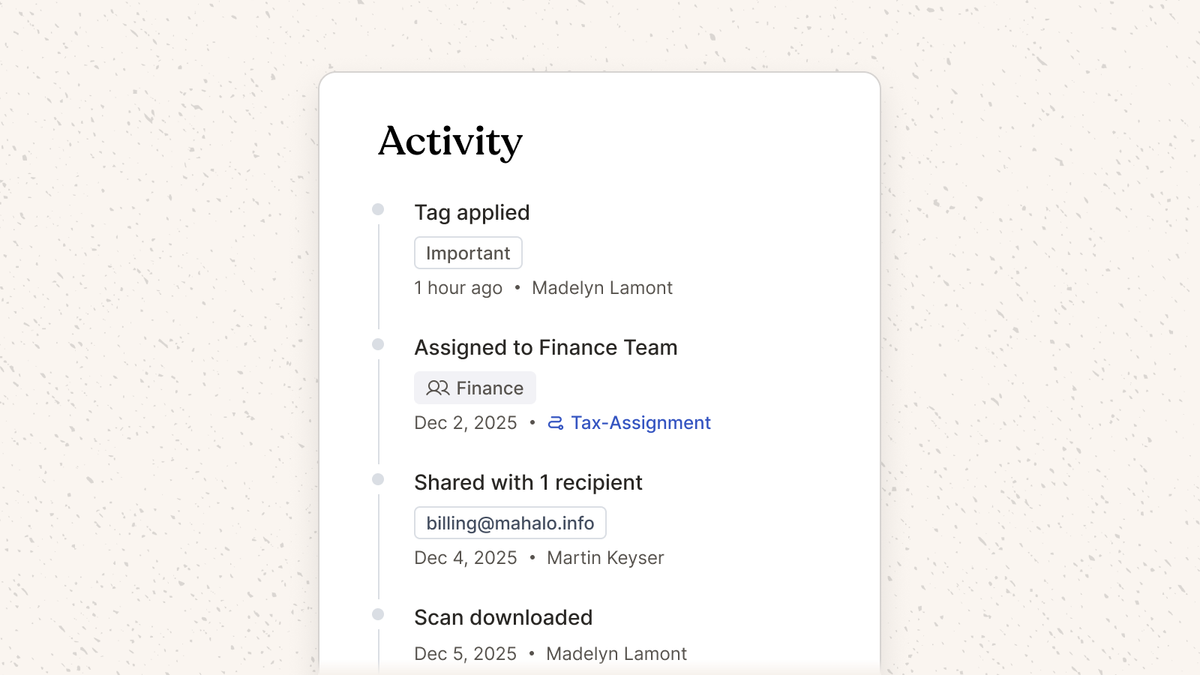
Activity logs now surface even more actions, and the user responsible for that action. Specifically, you can now see which users took the following actions on a piece of mail: team assignment, tag, archive, download, share, and print.
Deposit modal
We updated our bulk check deposit modal to make it more clear which checks you are depositing to which payees.
Persistent banner dismissals
A small but mighty update! Now when you dismiss banner notifications that dismissal will persist throughout your browsers session.
- October 21, 2025
Self-serve registered agents
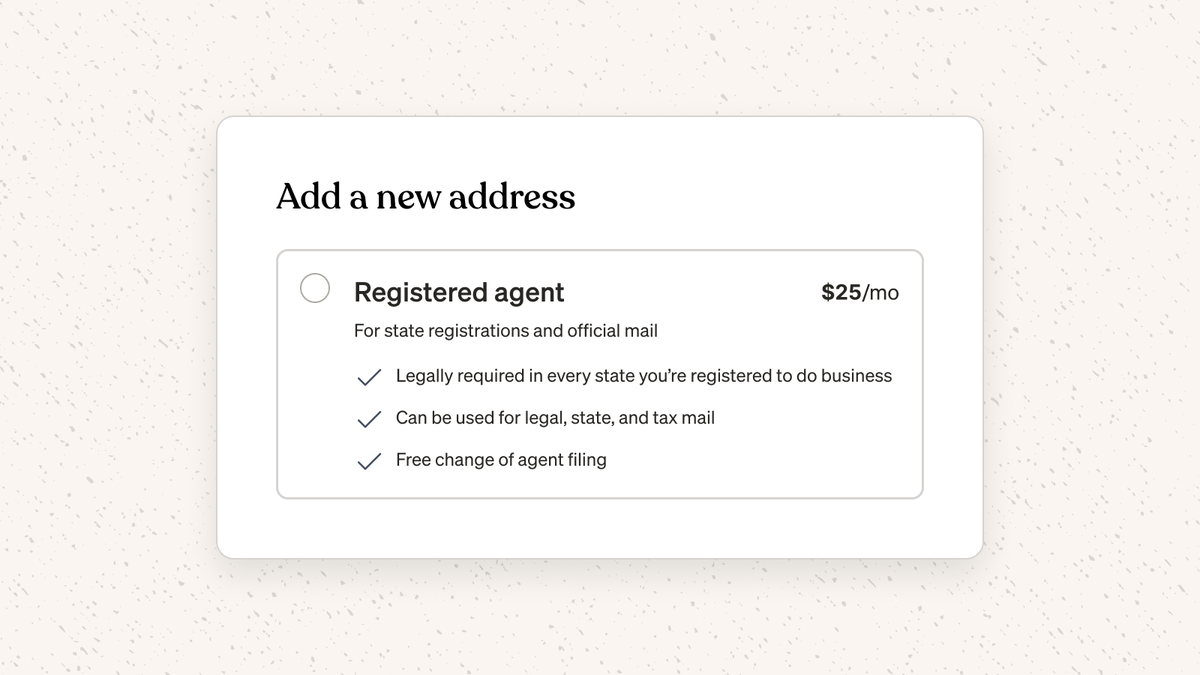
You can now add a registered agent directly in the Stable Dashboard by clicking “Add address or agent” on the home page.
In case you’re unfamiliar with registered agents:
- Every business is legally required to have a registered agent in the state where they are incorporated; often you’ll also need a registered agent in the states where you operate, hire employees, etc
- Registered agents act as the liaison between your business and the state
Customers have told us they switched their registered agent to Stable because our service is more usable, it creates a single source of truth for physical mail (registered agents receive mail on your behalf too), and it consolidates vendors.
Workflow automations: check trigger
Workflow automations can now be triggered when a check is detected in your mail! This trigger will enable a number of new automations, such as:
- Assign all checks to the Finance team
- Assign all checks with the word “refund” to the operations team
- Assign all checks with the word “Acme Inc” to the Accounts Receivable team
Onboarding updates
We updated our onboarding flow to make it more clear what types of identification documents we can legally accept.
Activity logs
Activity logs now surface more actions, and the user responsible for that action. Specifically, you can now see which users assigned mail to which teams.
Launch Denver
You can now create a Stable address in Denver, CO in addition to these markets!
If you’d like to add a new address, you can do so directly in the Stable Dashboard. And if you don't have a Stable account yet, you can get started here!
- September 23, 2025
Bulk un-tag + un-assign
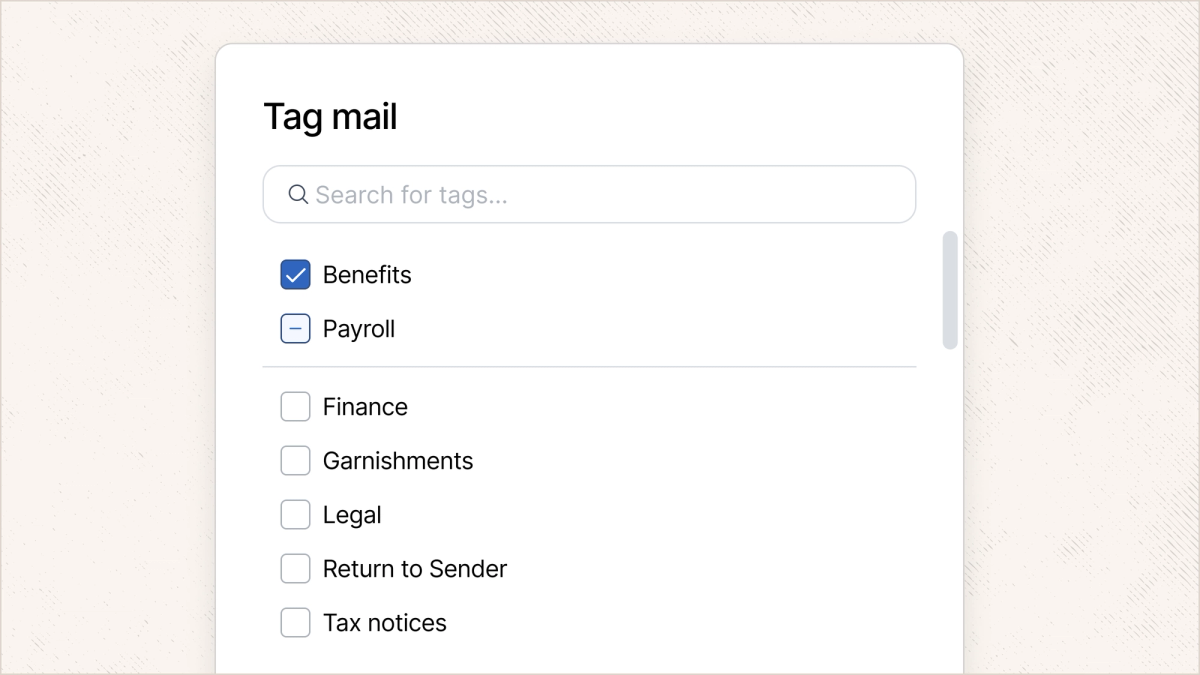
You can now remove tags and teams in bulk! As part of this release, we also introduced an intermediate state when working with bulk teams and tags. When a subset of selected mail items have a team or tag, you can either (1) leave as is, (2) remove the tag/team from all mail items, or (3) add the tag/team to all mail items.
Deactivate location via API
You can now deactivate locations via API. Docs here.
Annual billing
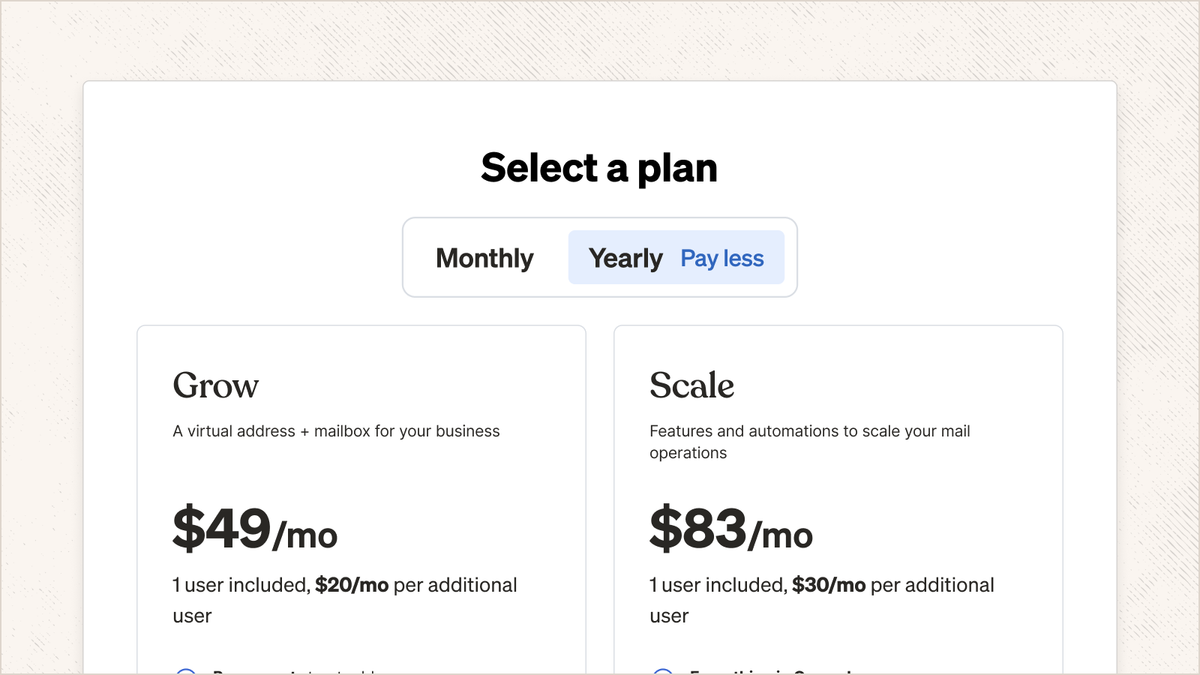
You can now pay for Stable annually! Benefits of annual billing include reduced pricing, annual mail limits (avoid monthly overage fees during spikes in volume), and fewer invoices.
Auto-transcription improvements
We have improved the technology we use to transcribe and place mail into your mailbox. On average, you should now be receiving your mail 5h+ faster moving forward!
- September 9, 2025
List view is in general availability
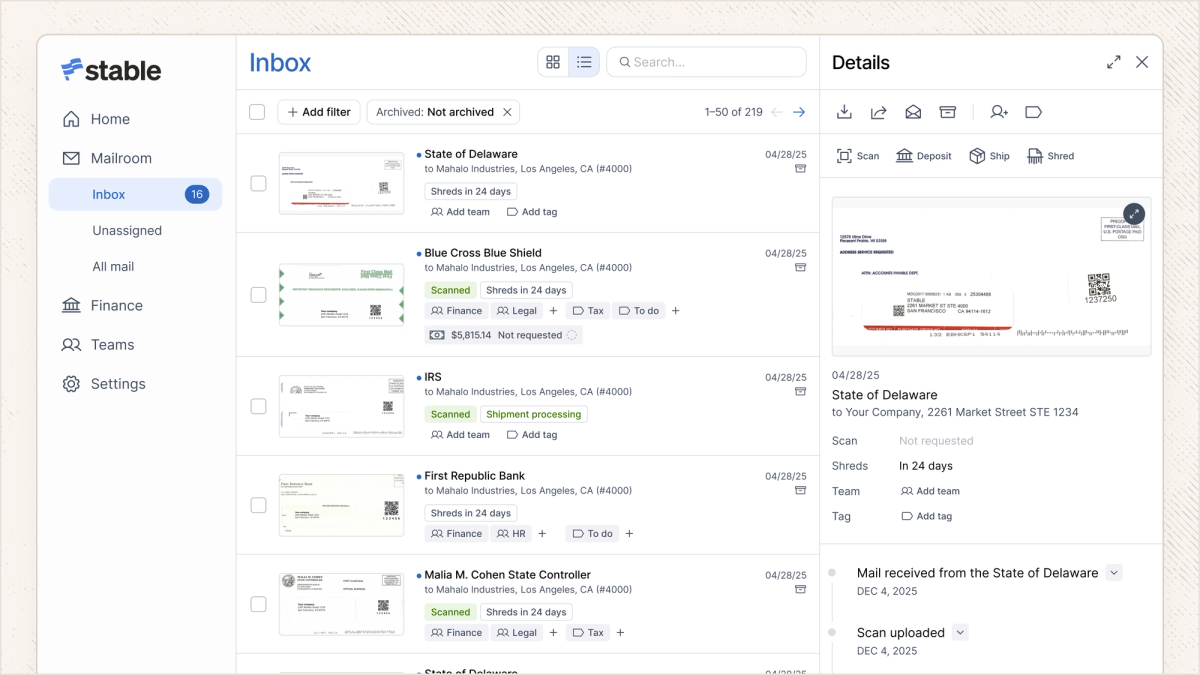
List View is now available to all users! Over the past few months we’ve been experimenting with a new mailroom layout to make triaging mail faster and the results have been positive.
Some of the benefits we’ve heard about List View:
- Quickly move between different pieces of mail for faster handling (no more clicking in and out of mail items)
- Inspect the contents of your mail while bulk selecting
- Take action on mail directly from the main inbox view
- Increased information density and a more intuitive layout
And if you prefer the Gallery View, you can still access it via a toggle in the top right of your screen.
- August 26, 2025
Notifications infrastructure
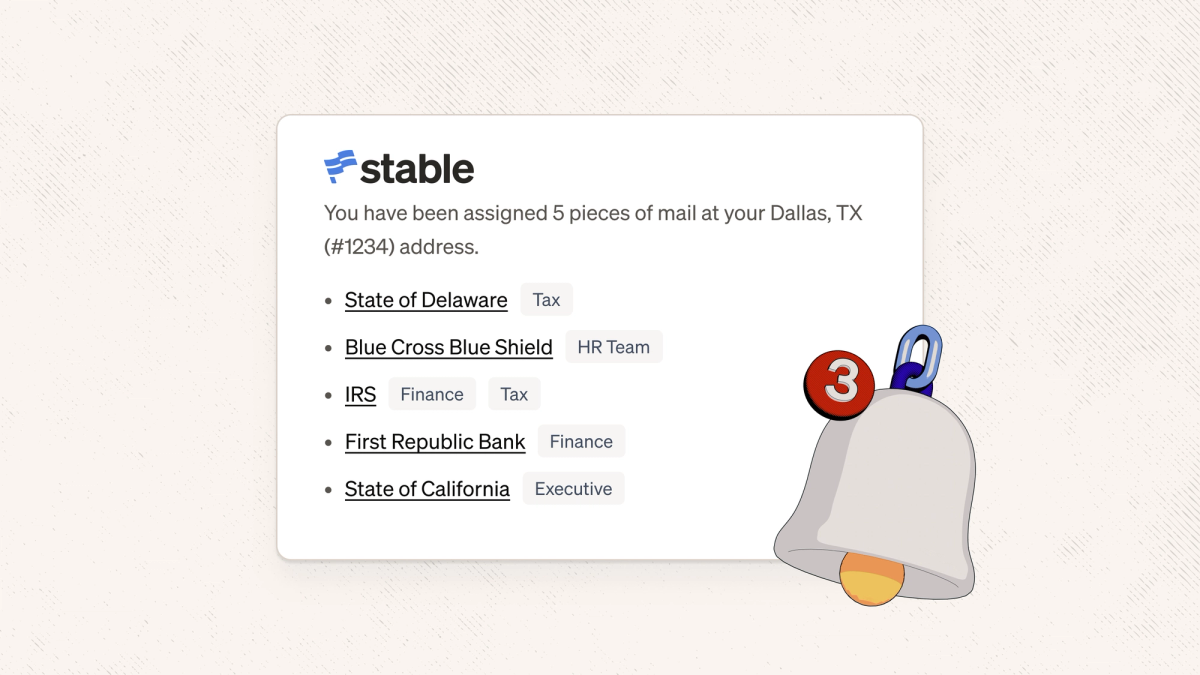
We rebuilt our email notification system to improve reliability and performance. You should now see notifications delivering within 15 minutes of an action being completed, instead of within 24 hours.
You may also notice some notifications have additional information — for example, assignment notifications now show what team a specific piece of mail was assigned to.
Print document scans
We added a print button to the document scan view to make it simpler to print your digitized documents!
Mail operations improvements
This sprint we improved a number of internal tools we use to ship and sort items to make sure your documents continue to get to you quickly and accurately.